
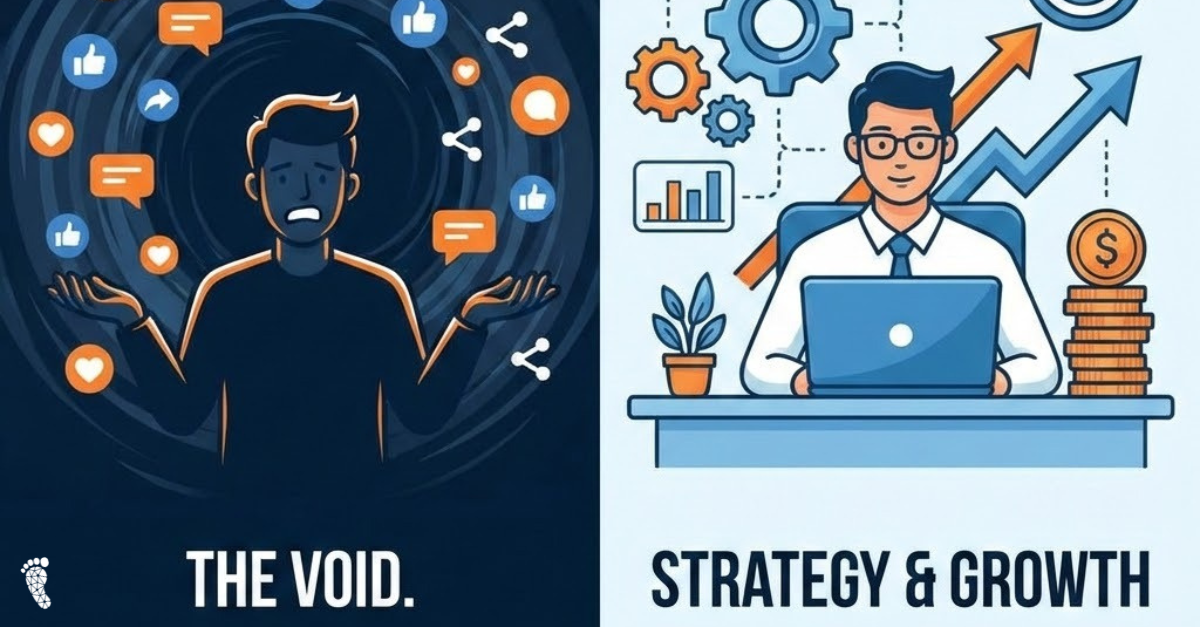
Facebook is undergoing a significant evolution in how personal profiles function, particularly regarding “followers.” For a long time, users had the option to allow non-friends to “follow” their public content, essentially acting as a lightweight public presence. However, a recent update is changing this dynamic, pushing users towards a clearer distinction: keeping it strictly personal, or embracing the new “Professional Mode.”
This shift, which began rolling out in late 2024 and continues through 2025, means that the old “public follower” option for personal profiles is being phased out. Users with public followers are now faced with a choice: either remove their public followers entirely, making their profile truly private to friends, or switch to Professional Mode.
Let’s break down what this means for you and the key differences between a traditional “Public” personal profile (as it was) and the new “Professional Mode.”
The Traditional “Public” Personal Profile (Pre-Update)
Previously, a personal profile could be set to “Public,” allowing anyone on Facebook to see your public posts and, if enabled, to “follow” you without sending a friend request. This was a convenient way for some individuals – like casual content sharers, local figures, or those who simply wanted a broader reach for certain posts – to share content beyond their immediate friend circle.
Key characteristics included:
- Friends & Followers: You had a distinct friend list and a separate follower count.
- Limited Insights: Very few, if any, analytics were available for public posts.
- No Monetization: There were no direct ways to earn money from content on a personal profile.
- Primarily Personal: The emphasis was on connecting with people you knew.
Enter Professional Mode: A Hybrid Approach
Professional Mode is Facebook’s answer for individuals who want to maintain a personal profile while also building a public presence and potentially monetizing their content. Think of it as a blend of your personal profile and a Facebook Page. It’s particularly geared towards creators, freelancers, public figures, and anyone looking to cultivate a personal brand.
Here’s what Professional Mode brings to the table:
- Combined Audience (Friends + Followers): When you switch to Professional Mode, your existing friends automatically become followers. Anyone can then follow you and see your public content without being your “friend.” You still retain the ability to share content privately with just your friends.
- Professional Dashboard & Insights: This is a game-changer. You gain access to an analytics dashboard, similar to what’s available for Pages. This allows you to track:
- Post performance: See engagement, reactions, comments, and shares.
- Audience insights: Understand your follower growth and demographic information.
- Content recommendations: Get tips on creating high-performing content.
- Monetization Opportunities: For eligible creators, Professional Mode unlocks potential revenue streams, including:
- Reels Play bonus program: Earn bonuses based on views of qualifying Reels.
- Stars: Allow fans to send you virtual gifts during live videos and on-demand videos, with more formats coming soon.
- In-stream ads: Earn money by enabling ads before, during, or after longer videos.
- Subscriptions: Offer exclusive content to loyal followers for a fee.
- Enhanced Discovery: Your public content can be recommended to a wider audience through features like “Suggested for You” in the Facebook Feed.
- Moderation Assist: Tools to help manage comments and maintain a safe online environment.
- Post Scheduling: Schedule posts in advance, a feature previously exclusive to Meta Business Suite.
- No New Profile Needed: The biggest advantage is that you don’t need to create a separate Page. You leverage your existing personal profile and its established connections.
Who Should Switch to Professional Mode?
If you’re someone who:
- Regularly shares public content.
- Wants to grow an audience beyond your immediate friends.
- Is a content creator, influencer, freelancer, or small business owner.
- Is interested in potentially earning money from your Facebook presence.
- Values insights and analytics to understand your audience.
Then Professional Mode is likely the right path for you.
How to Turn on Professional Mode
The process is generally straightforward:
- Go to your Facebook profile.
- Look for the three dots (…) below your cover image (next to “Edit Profile”).
- Click on the three dots and select “Turn on Professional Mode.”
- Follow the prompts to complete the setup.
You can typically switch Professional Mode on or off at any time.
The Takeaway
Facebook’s latest update to follower settings on personal profiles is a clear indication of its evolving strategy to empower individual creators and professionals. By sunsetting the traditional public follower option and introducing Professional Mode, Facebook is providing a more robust and feature-rich environment for those looking to build a public presence without the need for a separate Business Page. It’s a significant shift, offering exciting opportunities for growth, engagement, and even monetization. Consider your Facebook goals and see if Professional Mode aligns with your vision for your online presence.